
In the world of data analysis and statistical modeling, R is a powerful tool. It’s widely used for tasks like data visualization, machine learning, and statistical analysis. But what if you wanted to step out of the conventional uses of R to do something more creative? That’s what I did during my spare time while taking a course at the Karlsruhe Institute of Technology (KIT) on “Modeling and Analyzing Consumer Behavior with R.” In this blog post, I’ll introduce you to a project I call the “bouncing-dvd-simulator.”
The Nostalgic Inspiration
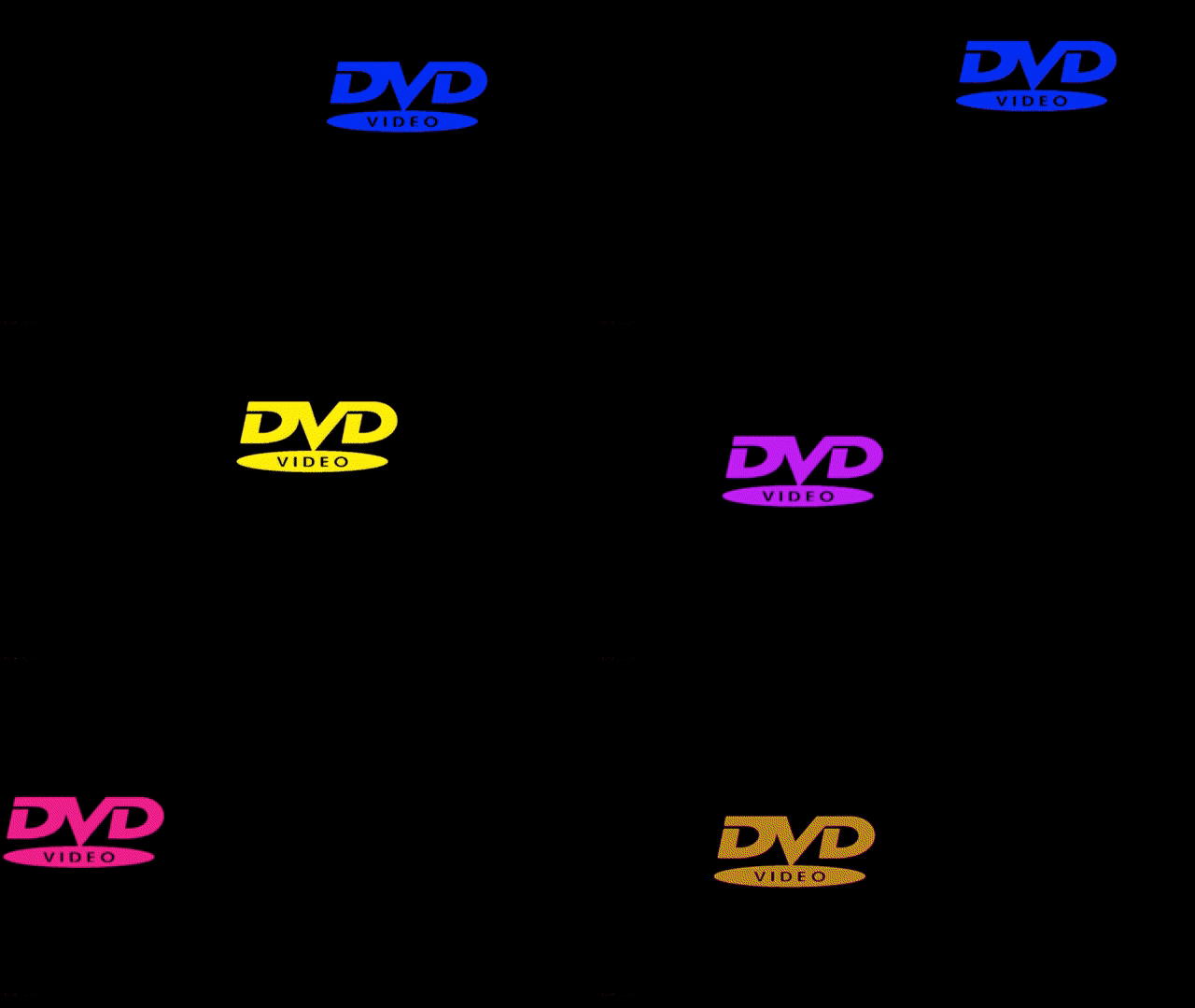
Do you remember those old DVD players with a screensaver that involved a DVD logo bouncing around the screen, seemingly never hitting the corners? It was a simple but addictive scene, and it used to keep me entertained as I waited for the logo to finally hit one of the corners. This screensaver is not only nostalgic but also quite iconic.
I couldn’t help but wonder if I could replicate this screensaver in R, a language primarily designed for data science and statistical analysis. After all, one of the great things about programming is that it allows you to experiment and create things outside of your normal use cases.
The Bouncing-DVD-Simulator Project
I started by creating a new R script, setting up the environment, and defining the essential parameters for the project. I used an external window to display the screensaver and created a field where the DVD logo would bounce.
## External window
x11()
par(mar = c(1, 1, 1, 1), bg = "black")

## setup field
plot.new()
plot.window(xlim = c(0,100), ylim = c(0,100))
# draw borders
lines(c(0, 0, 100, 100, 0), c(0, 100, 100, 0, 0), type = "l", lwd = 10, col = "white")


# field boundaries
xmin <- 2.5
xmax <- 88
ymin <- 2.5
ymax <- 95.5

## place init
x <- 50
y <- 50

## Set direction
dx <- runif(1, 1, 2)
dy <- runif(1, 1, 2)

## colorcode
color <- "purple"
chooseColor = function(){
  xRand <- sample(1:8)
  if(xRand == 1) colorRand = "purple"
  if(xRand == 2) colorRand = "blue"
  if(xRand == 3) colorRand = "orange"
  if(xRand == 4) colorRand = "green"
  if(xRand == 5) colorRand = "white"
  if(xRand == 6) colorRand = "red"
  if(xRand == 7) colorRand = "yellow"
  if(xRand == 8) colorRand = "lightblue"
  return (colorRand)
}
while(1) {
  Sys.sleep(.1)

  points(x+5, y, pch = 15, col = "black", cex = 11)

  # Move logo
  x <- x + dx
  y <- y + dy

  # Collision detection
  if (x > xmax | x < xmin) {
    if (x < xmin) x <- xmin
    if (x > xmax) x <- xmax
    dx <- -dx * runif(1, .9, 1.1)
    color = chooseColor()
  }
  if (y < ymin | y > ymax) {
    if (y < ymin) y <- ymin
    if (y > ymax) y <- ymax
    dy <- -dy * runif(1, .9, 1.1)
    color = chooseColor()
  }

  # Draw logo
  points(x, y, pch = 'D', col = color, cex = 2)
  points(x+5, y, pch = 'V', col = color, cex = 2)
  points(x+10, y, pch = 'D', col = color, cex = 2)

  # Draw borders
  lines(c(0, 0, 100, 100, 0), c(0, 100, 100, 0, 0), type = "l", lwd = 10, col = "white")

}
The code creates a black background window, sets up the field boundaries, and initializes the DVD logo’s position, direction, and color. Then, it enters a loop where the logo moves, bounces off the edges, and changes color.
But why did I choose R for this project? The answer is simple: because it’s unconventional. R is not the first choice for creating games or animations, but that’s precisely what made this project so interesting. It allowed me to challenge the boundaries of what R can do and gave me a different perspective on the language.
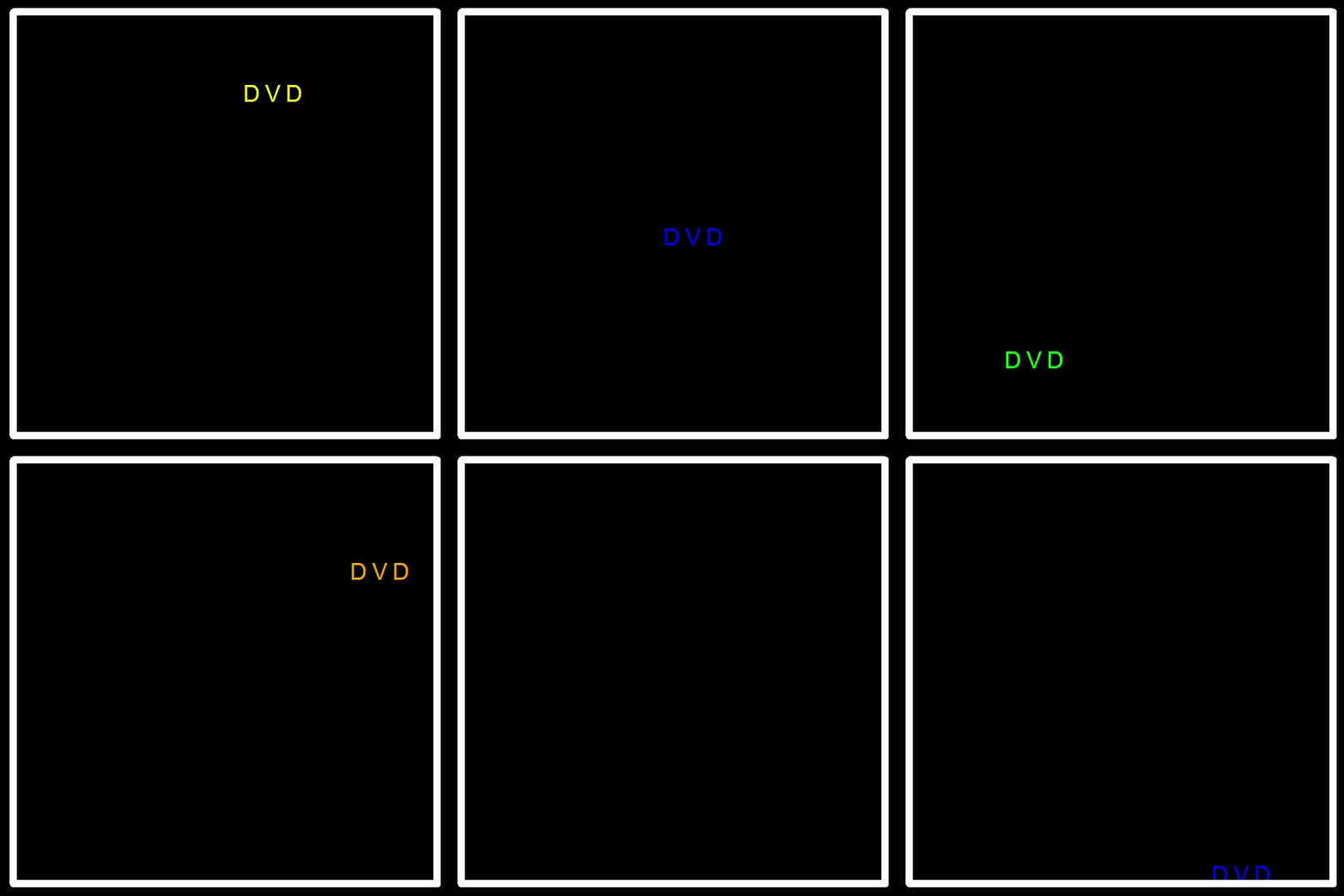
So, if you ever find yourself with a quirky idea, don’t be afraid to give it a shot, even if it means stretching the limits of your favorite programming language. You might just create something unexpectedly delightful.
Now, excuse me while I watch the bouncing DVD logo on my R-powered screensaver.